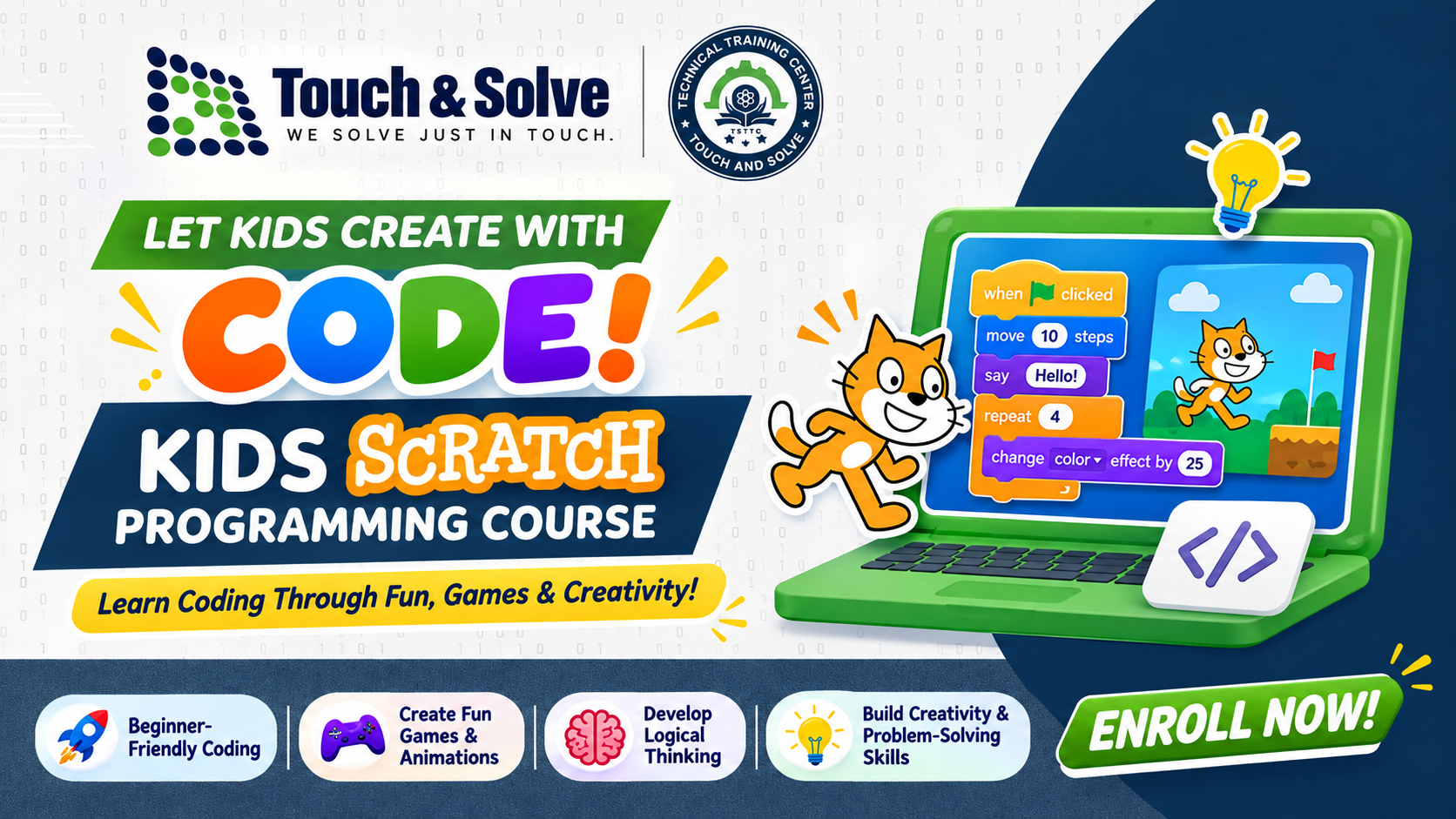
Kids Scratch Programming is a fun, interactive, and beginner-friendly course designed to introduce children to the exciting world of coding and computer programming. Using Scratch, a visual block-based programming platform, students will learn programming concepts by creating their own animations, interactive stories, games, and creative projects.
This course focuses on learning through practice, creativity, and problem-solving. No previous programming experience is required.
Module 1: Introduction to Computers and Programming
Introduction to computers and coding
What is programming?
Introduction to Scratch
Understanding the Scratch interface
Creating a Scratch account and exploring the platform
Module 2: Scratch Basics
Understanding sprites and backdrops
Introduction to the coding blocks
Motion and Looks blocks
Events and Control blocks
Using the Green Flag and other commands
Module 3: Animation and Storytelling
Making characters move
Changing costumes and backgrounds
Creating animated stories
Adding dialogue and sound effects
Building interactive stories
Module 4: Game Development
Creating simple interactive games
Keyboard and mouse controls
Using loops and conditions
Score and timer systems
Collision detection
Game levels and challenges
Module 5: Programming Concepts
Understanding sequences
Loops and repetition
Conditional statements (If/Else)
Variables and operators
Introduction to logical thinking
Debugging and fixing errors
Module 6: Creative Projects
Create an animated cartoon
Develop a quiz game
Build a maze game
Create a catching game
Design an interactive learning project
Module 7: Final Project and Presentation
Planning a personal Scratch project
Developing a complete game or animation
Testing and debugging
Project presentation
Final evaluation
After completing this course, students will be able to:
Understand basic programming concepts.
Create interactive games and animations.
Develop logical thinking and problem-solving skills.
Use loops, conditions, variables, and events.
Express creativity through digital projects.
Build confidence in technology and computational thinking.
Hands-on practical sessions
Fun coding activities and challenges
Game-based learning
Individual and group projects
Practical assessments and final project presentation
Prerequisites: Basic computer operating skills. No prior coding experience is required.

